snapVector
Open-source Skitch alternative. Capture, annotate, and share — on macOS, Windows, and Linux.
What is snapVector?
snapVector is an open-source, cross-platform screenshot and vector annotation tool. Capture any region of your screen, draw arrows, highlights, and text with crisp vector shapes, then copy straight to the clipboard or export to PNG / SVG. Designed as a modern Skitch alternative that runs natively on macOS, Windows, and Linux.
Features
Everything you need to capture, mark up, and share — in one lightweight tool.
Cross-platform capture
Capture full screen or a selected region on macOS, Windows, and Linux — one tool, one workflow.
Vector annotation
Arrows, boxes, highlights, and text rendered as SVG shapes — zoom in without losing fidelity.
Global hotkey
Trigger a capture from anywhere with a keyboard shortcut, without leaving your current workflow.
Clipboard-ready
Send the final image straight to the system clipboard and paste into any app in seconds.
PNG & SVG export
Export a flattened PNG for sharing, or an editable SVG to reuse in your design tools.
Open source
MIT-style open source on GitHub. Audit the code, file issues, send pull requests — you own your tools.
Supported platforms
Built once, shipped everywhere you work.
macOS
Universal build. Requires Screen Recording permission on first launch.
Windows 10 / 11
Signed installer and standalone .exe. Bundled WebView2 runtime.
Debian / Ubuntu
amd64 binary and .deb package. Verified on Ubuntu 24.04 + X11.
Screenshots
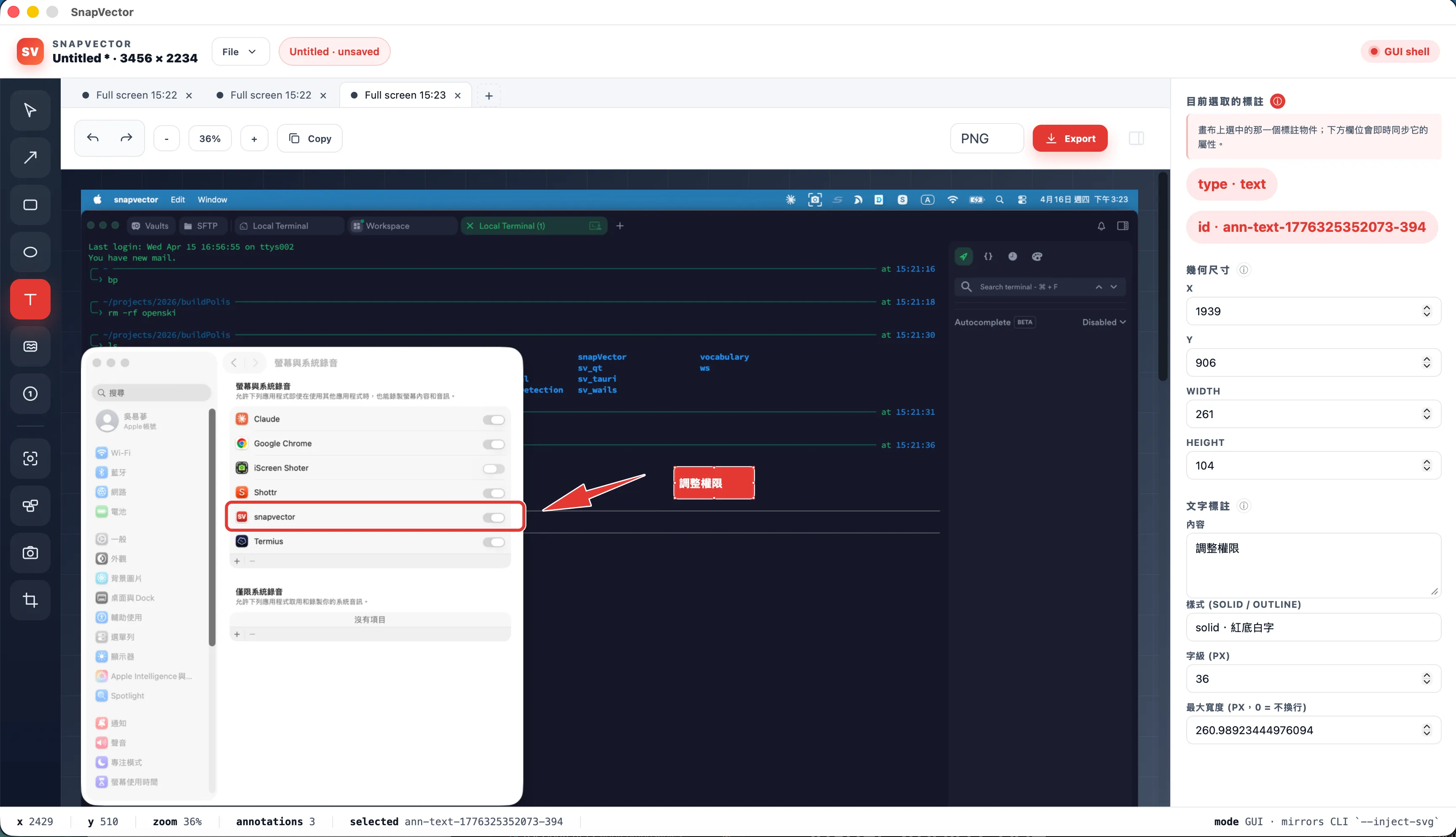
A quick look at snapVector in action.

Open source, built in public
snapVector is developed in the open. File issues, request features, or send a pull request — we welcome contributors of every experience level.
Star on GitHub